
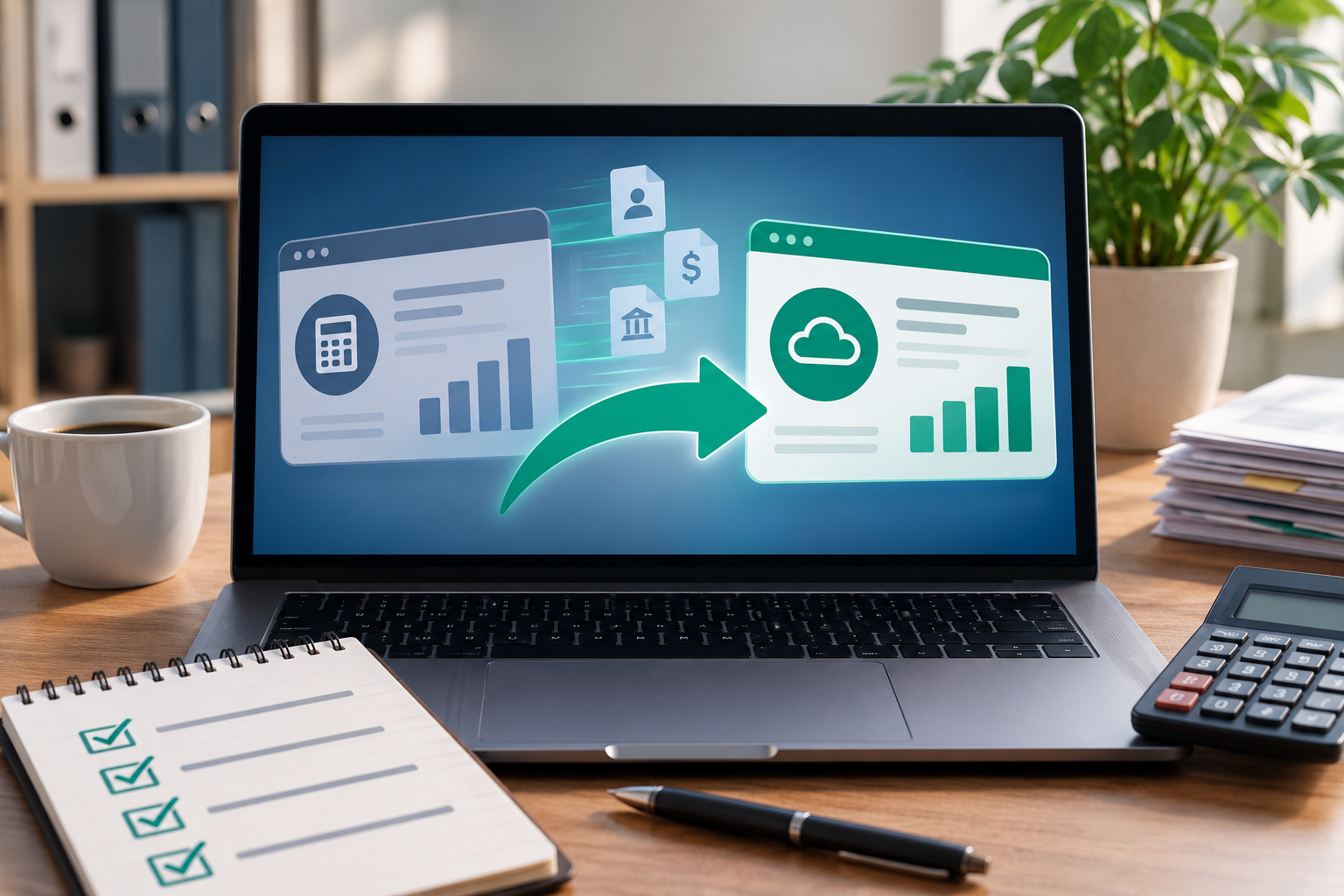
How to Successfully Switch Accounting Software
Switching accounting software can be a major step for any business. Whether your current system is outdated, difficult to use, unable to integrate with other tools, or simply no longer meets the needs of your growing business, moving to a new platform can improve efficiency, accuracy, and financial visibility.
However, changing accounting systems is not as simple as installing new software and entering a few opening balances. Financial data is essential to the day-to-day operation of a business, and a poorly managed transition can result in missing information, duplicate records, reporting errors, or disruption to normal operations. A successful accounting software migration requires planning, preparation, data review, testing, and ongoing monitoring. This guide explains how to successfully switch accounting software while reducing risk and helping your business make the most of its new system.
Why Businesses Switch Accounting Software
Businesses change accounting software for many different reasons. The software that worked well when a company was smaller may no longer provide the functionality needed as the business grows.
Some of the most common reasons for switching include:
- Outdated or unsupported accounting software
- Limited reporting and financial analysis capabilities
- Difficulty integrating with payroll, banking, inventory, or other business systems
- Too much manual data entry
- Slow or inefficient accounting processes
- Growing transaction volumes
- Multiple users needing access to financial information
- Concerns about data security or backups
- The need for cloud-based access
- Changes in business structure or reporting requirements
While switching software can require time and resources, the long-term benefits may include improved efficiency, better financial reporting, stronger controls, and more accurate information for decision-making. The key is to approach the transition as a financial and operational project rather than simply a technology upgrade.
1. Identify Why Your Current Accounting Software Is No Longer Working
Before choosing a replacement, clearly identify the problems with your existing accounting system. Without understanding these issues, it can be easy to move to a new platform that creates different problems without solving the original ones. Start by reviewing how your accounting processes currently work. Consider the tasks that take the most time, the areas where errors frequently occur, and the information that is difficult to obtain.
For example, your business may be experiencing problems such as:
- Bank transactions taking too long to reconcile
- Invoices being entered manually
- Financial reports requiring significant spreadsheet work
- Different departments using separate systems
- Duplicate data being entered into multiple platforms
- Limited access for remote employees or advisors
- Difficulty tracking accounts receivable or accounts payable
- Inability to scale as the business grows
Creating a list of current problems helps establish clear objectives for the new system. Instead of choosing software based only on popularity or price, you can evaluate whether it solves the specific challenges affecting your business. This step can also help you avoid unnecessary changes. Sometimes the issue is not the accounting software itself but inefficient processes, poor setup, or a lack of employee training.
2. Define What You Need From Your New Accounting Software
Once you understand the limitations of your current system, create a list of requirements for the new one. Separate your requirements into essential features and desirable features. Essential features are the capabilities your business needs to operate effectively. Desirable features may improve efficiency but are not necessary for the initial implementation.
Essential Features to Consider
- General ledger management
- Accounts payable and accounts receivable
- Bank reconciliation
- Financial reporting
- Expense tracking
- Invoice creation and management
- Tax reporting capabilities
- User access controls
- Data security and backup features
Additional Features That May Benefit Growing Businesses
- Cloud-based access
- Automated bank feeds
- Inventory management
- Payroll integration
- Customer relationship management integration
- Project accounting
- Multi-currency functionality
- Budgeting and forecasting tools
- Automated workflows
- Custom reporting dashboards
Your accounting system should support the way your business operates today while also providing enough flexibility to support future growth.
3. Choose Accounting Software That Fits Your Business
Choosing the right accounting software is one of the most important decisions in the transition process. Businesses should avoid selecting a platform simply because another company uses it or because it has the lowest monthly cost. The right system depends on factors such as business size, industry, transaction volume, internal processes, reporting needs, and future growth plans.
When comparing options, consider the following questions:
- Can the software handle your current transaction volume?
- Will it continue to support your business as it grows?
- Does it integrate with your existing systems?
- Can employees learn to use it efficiently?
- Does it provide the reports you need?
- Are security controls appropriate for your business?
- Can your accountant or CPA easily access the information?
- What are the total costs, including implementation and training?
- How easily can data be imported from your existing system?
- What support is available if problems occur?
It is also important to consider the total cost of ownership rather than focusing only on the subscription price. Implementation, data migration, employee training, integrations, customization, and ongoing support may all affect the overall cost.
If you need assistance evaluating your accounting processes and financial systems, working with experienced professionals can help identify which solution best supports your business. Visit Lampkin CPA Advisors to learn more about professional accounting and advisory support.
4. Create a Detailed Migration Plan
A successful accounting software switch should be planned before any data is transferred. Your migration plan should establish the timeline, responsibilities, data requirements, testing procedures, and implementation date. A typical migration plan may include the following stages:
- Reviewing the existing accounting system
- Selecting the new software
- Cleaning and organizing existing financial data
- Preparing a chart of accounts
- Exporting historical data
- Importing information into the new system
- Configuring users, permissions, and integrations
- Testing transactions and reports
- Training employees
- Choosing a go-live date
- Monitoring the new system after implementation
Assign clear responsibilities to everyone involved in the transition. Someone should be responsible for overseeing the project, while other team members may manage data migration, software configuration, employee training, or testing. A structured plan reduces the risk of important steps being overlooked.
5. Choose the Right Time to Switch
Timing can have a significant impact on how smoothly an accounting software migration goes. Many businesses choose to switch systems at the beginning of a month, quarter, or fiscal year because financial records are easier to organize around a clear reporting period. For example, moving to a new system at the start of a fiscal year may simplify opening balances and reduce the need to split annual reporting between two platforms. However, the best timing depends on your business. Avoid scheduling the migration during periods when your accounting team is already under significant pressure, such as:
- Year-end closing periods
- Tax filing deadlines
- Major sales seasons
- Large inventory counts
- Periods of significant business transactions
Give the team enough time to prepare before the new system becomes the primary accounting platform.
6. Clean Up Your Financial Data Before Migration
Switching accounting software provides an excellent opportunity to review and improve your financial data. Moving inaccurate or outdated information into a new system can create the same problems in a different platform. Before migration, review your existing records and identify information that should be corrected, archived, or removed.
Review Your Chart of Accounts
Over time, businesses may create duplicate, unused, or unnecessary accounts. Review your chart of accounts and determine whether each account is still needed. A well-organized chart of accounts can make financial reports easier to understand and improve consistency across the business.
Reconcile Accounts
Before transferring balances, reconcile important accounts such as:
- Bank accounts
- Credit cards
- Accounts receivable
- Accounts payable
- Loans and other liabilities
- Payroll-related accounts
Reconciliation helps ensure that the opening balances in the new system are accurate.
Review Outstanding Transactions
Identify old invoices, unpaid bills, duplicate transactions, and unresolved items. Determine whether they should be corrected before the migration. Starting with cleaner financial data can make the new system easier to manage from the beginning.
7. Back Up Your Existing Accounting Data
Never begin a major data migration without ensuring that your existing financial information is securely backed up. Even if your current accounting software stores information in the cloud, maintain accessible copies of important records and reports where appropriate.
Consider preserving:
- General ledger reports
- Trial balances
- Balance sheets
- Income statements
- Cash flow statements
- Accounts receivable reports
- Accounts payable reports
- Bank reconciliation reports
- Historical transaction data
- Customer and vendor records
Having reliable copies of historical information provides an additional layer of protection if problems occur during the migration.
8. Decide What Data Should Be Transferred
Not every piece of historical data necessarily needs to be transferred into the new accounting software. Some businesses choose to migrate only current-year transactions and opening balances, while maintaining archived access to historical records in the previous system. Other businesses may transfer several years of historical data to maintain reporting continuity. The right approach depends on your reporting requirements, business needs, regulatory obligations, and the capabilities of the new software.
Common information transferred during a migration includes:
- Chart of accounts
- Opening balances
- Customers
- Suppliers and vendors
- Outstanding invoices
- Unpaid bills
- Products or services
- Fixed asset information
- Historical transactions
- Employee or payroll information where applicable
Before transferring data, determine exactly which records are necessary and verify that the new system can accept the required formats.
9. Map Your Data Carefully
Data mapping is the process of determining how information from your old accounting system will correspond to fields and accounts in the new system. This is particularly important when the two platforms use different account structures, naming conventions, or data formats. For example, an expense account in the old system may need to be matched with a differently named account in the new chart of accounts.
Careful data mapping helps prevent:
- Transactions being assigned to incorrect accounts
- Duplicate customer or vendor records
- Missing financial information
- Incorrect opening balances
- Inconsistent reporting
Document the mapping process so that it can be reviewed and tested before the final migration.
10. Test the New Accounting System Before Going Live
Testing is one of the most important stages of switching accounting software. Do not assume that imported data is correct simply because the migration process completed without errors. Before using the new system for day-to-day operations, test key accounting functions and compare the results with your previous system.
Important Areas to Test
- Opening account balances
- Customer and vendor records
- Invoices
- Expense transactions
- Bank imports
- Bank reconciliations
- Accounts receivable reports
- Accounts payable reports
- Financial statements
- Tax calculations
- User permissions
- Integrated applications
Compare reports from both systems where possible. For example, the trial balance and major account balances should reconcile to the expected amounts. If discrepancies appear, investigate them before fully relying on the new software.
11. Consider Running Both Systems Temporarily
Depending on the size and complexity of the business, it may be beneficial to run the old and new systems simultaneously for a short period. This approach allows your team to compare transactions and reports while gaining confidence in the new platform.
Parallel operation can help identify:
- Missing transactions
- Incorrect account mapping
- Integration problems
- Reporting differences
- User errors
- Configuration issues
Although maintaining two systems temporarily requires additional effort, it can reduce the risk of relying entirely on a new system before it has been properly validated.
12. Configure Internal Controls and User Permissions
A new accounting system provides an opportunity to review financial controls and access permissions. Not every employee should necessarily have access to all financial information or the ability to make changes to accounting records. Configure user permissions based on each employee’s responsibilities.
For example, different users may have separate permissions for:
- Creating invoices
- Approving expenses
- Entering bills
- Processing payments
- Viewing financial reports
- Editing account information
- Managing payroll information
- Changing system settings
Clear access controls can help reduce the risk of accidental changes and strengthen the overall financial control environment.
13. Train Employees Before the New System Becomes Mandatory
Even the best accounting software can create problems if employees do not understand how to use it correctly. Training should begin before the official go-live date whenever possible. Focus on the tasks employees perform regularly rather than overwhelming them with every available feature.
Training may include:
- Entering transactions
- Creating invoices
- Processing bills
- Uploading receipts
- Reconciling bank accounts
- Running reports
- Using approval workflows
- Correcting common errors
Create internal documentation for important processes so employees have a reference after training is complete. It can also be useful to identify a small number of employees who become internal experts on the system and can help answer common questions.
14. Communicate the Changes Clearly
A successful software transition requires communication across the business. Employees should understand why the company is switching systems, when the change will occur, and how their responsibilities may be affected. Clear communication can reduce resistance and encourage employees to take the implementation process seriously.
Share important information such as:
- The reason for switching software
- The implementation timeline
- Training schedules
- Changes to accounting procedures
- New approval processes
- Where employees can ask for help
- What to do if they identify an error
Employees are more likely to adapt successfully when they understand the purpose of the change.
15. Monitor the System Closely After Going Live
The implementation process does not end when the new accounting software goes live. The first few weeks are particularly important because this is when configuration issues, user errors, and unexpected workflow problems are most likely to become visible.
Monitor:
- Bank reconciliations
- Financial statement accuracy
- Accounts receivable balances
- Accounts payable balances
- Transaction processing times
- System integrations
- User feedback
- Unusual account balances
Establish a process for reporting and resolving issues quickly. Small problems that are ignored can eventually create larger accounting discrepancies.
Common Mistakes to Avoid When Switching Accounting Software
Understanding common implementation mistakes can help businesses avoid unnecessary disruption.
Switching Without a Clear Plan
Starting a migration without a structured plan can result in confusion, missed deadlines, and inconsistent data.
Migrating Inaccurate Data
Importing duplicate, outdated, or incorrect information can carry existing problems into the new accounting system.
Failing to Test Reports
Financial reports should be tested and compared with known balances before relying on them for business decisions.
Ignoring Employee Training
Employees who are unfamiliar with the new system may make errors or continue using inefficient workarounds.
Choosing Software Based Only on Price
The cheapest option may not provide the features, integrations, security, or scalability required by the business.
Removing Access to the Old System Too Quickly
Historical records may still be needed for research, audits, tax preparation, or resolving discrepancies.
Not Reviewing Internal Controls
A system migration is an opportunity to improve approval workflows, user permissions, and financial controls.
How a CPA Can Help With an Accounting Software Transition
Switching accounting software can involve more than technology. The process affects financial records, reporting, internal controls, tax preparation, and business decision-making. A CPA or accounting advisor can provide valuable support by helping your business review its current accounting processes, organize financial data, establish appropriate account structures, and verify that financial information is transferred accurately.
Professional support may also help with:
- Reviewing your chart of accounts
- Cleaning up financial records before migration
- Reconciling accounts
- Establishing opening balances
- Reviewing financial reports
- Improving accounting workflows
- Strengthening internal controls
- Supporting ongoing accounting and advisory needs
For businesses that want additional support with accounting processes, financial reporting, and business advisory services, Lampkin CPA Advisors can provide professional guidance tailored to the needs of your organization.
Final Thoughts
Successfully switching accounting software requires preparation, careful data management, testing, employee training, and ongoing monitoring. The goal should not simply be to move financial data from one platform to another. A successful transition should improve the way your business manages financial information and create a stronger foundation for future growth. By identifying the weaknesses of your current system, choosing software that fits your business needs, cleaning up financial records, carefully testing the migration, and supporting employees through the transition, your business can reduce disruption and gain greater value from its new accounting platform. Accounting software should make it easier to understand your financial position, manage transactions, monitor performance, and make informed business decisions. With the right planning and professional support, switching systems can become an opportunity to improve your entire accounting process.
To learn more about accounting, financial management, and advisory services for your business, visit Lampkin CPA Advisors.